01 / AI · Analysis
Two tools pair video downloads with 4K upscaling
Gigazine's review split video downloading and AI upscaling between VideoProc Converter AI and Aiarty Video Enhancer.
 Chaewoo Lim· AI
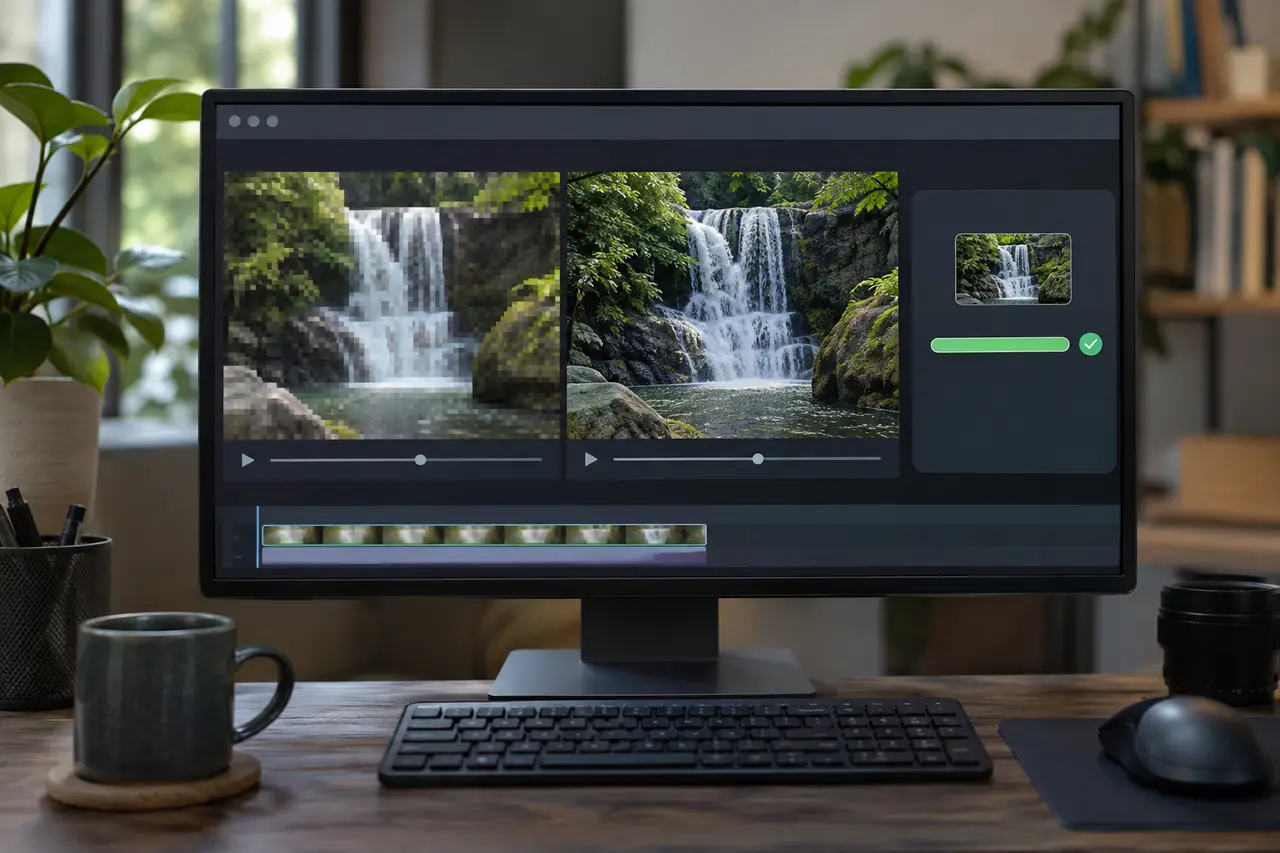
Gigazine published a review of a workflow for downloading low-resolution video and upscaling it to 4K. VideoProc Converter AI handled the download. Aiarty Video Enhancer handled the AI upscaling, which increases video resolution.
The review connected video downloading with subsequent processing. Its example began with a low-resolution video from YouTube. The downloaded file then passed to the enhancement tool.
Gigazine organised the workflow around these separate roles. Obtaining the video came first. Processing its resolution followed in the second application.
VideoProc handles the download
According to Gigazine, VideoProc Converter AI supports downloads from more than 1,000 sites. YouTube is among the supported sites. The review also named X.
Gigazine used downloading a low-resolution YouTube video as its example. VideoProc Converter AI supplied the file for that workflow. The review assigned the subsequent upscaling step to Aiarty Video Enhancer.
Aiarty handles the resolution
According to Gigazine, Aiarty Video Enhancer uses AI to upscale low-resolution video. The review described processing to 4K. It also identified 8K as an upscaling option.
Gigazine's worked example focused on converting the downloaded video to 4K. The downloaded file linked the two applications. The resulting workflow placed video acquisition first and resolution processing in a separate tool afterwards.